For Developers. By Developers.
Pick a stack, name the project, open it at https://blog.test
MixLab installs what the project needs and serves it at a .test domain with HTTPS your browser trusts.
curl -fsSL https://mixnz.github.io/mixlab/install.sh | shWhat does it do? · Windows · · Changelog
- No Docker, no VM
- Windows, macOS, Linux
- PHP, Node, Python, Ruby, Go, Java
- Free, MIT or Apache-2.0
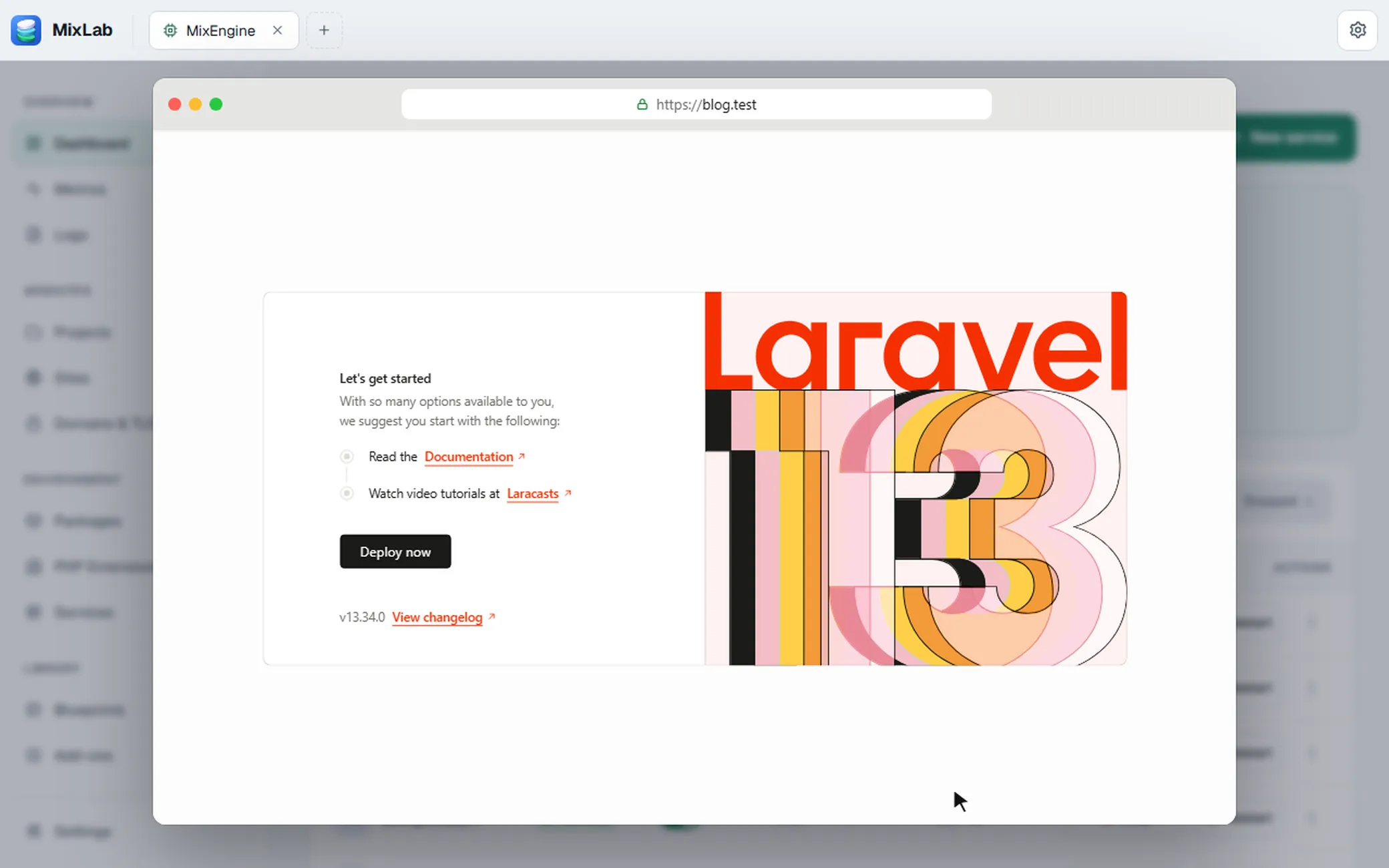
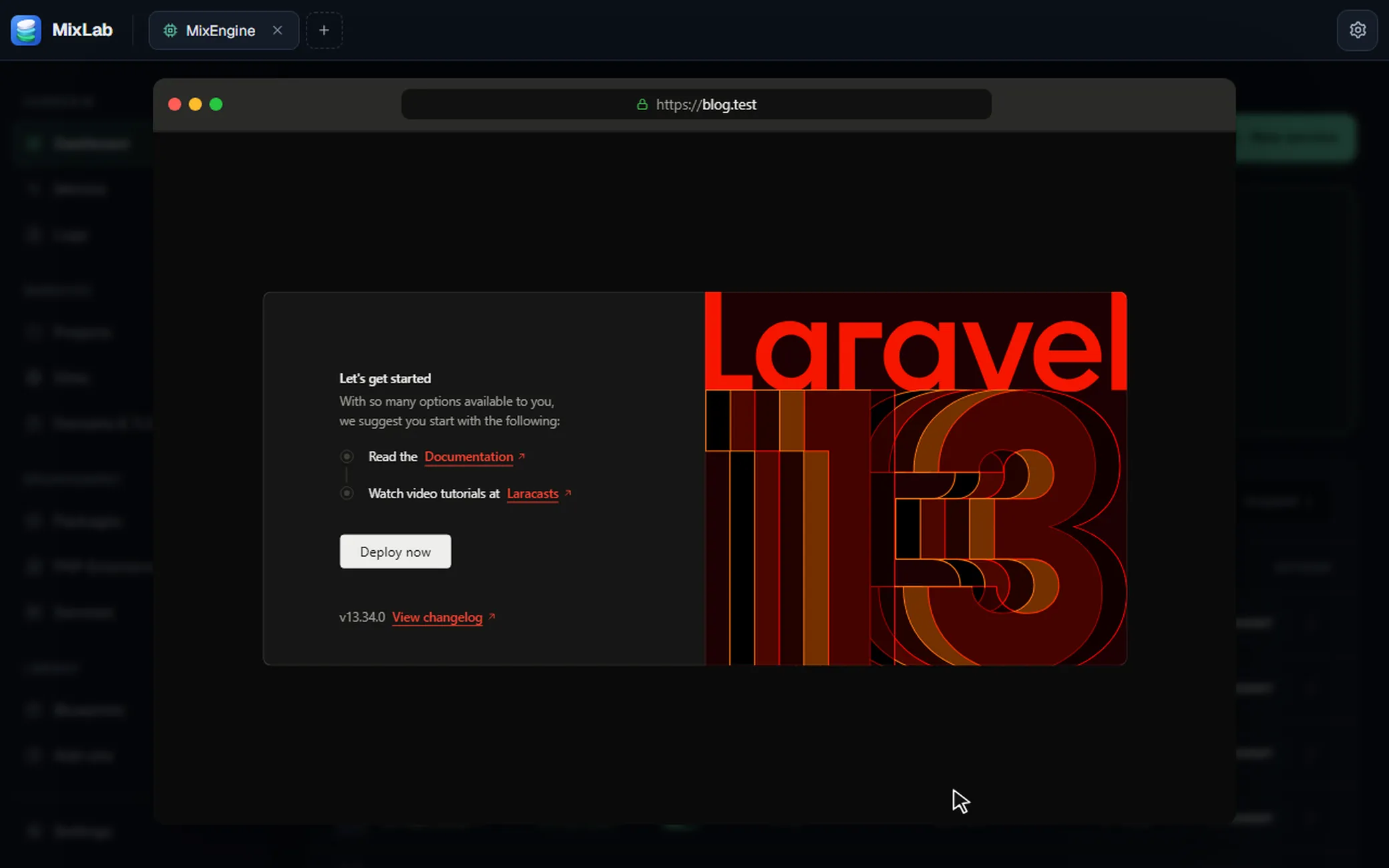
mix blueprint apply builds the Laravel project blog in ~/Sites/blog, runs composer create-project, and the site opens at https://blog.test.


BLUEPRINTS
Quick start builds any of these from an empty folder. Blueprints
- Laravel
- Laravel + MongoDB
- Symfony
- Drupal
- WordPress
- PHP with MySQL
- Next.js
- Vite
- Express + MongoDB
- Strapi
- Django
- Ruby on Rails
- Static site
SERVICES
Installed and started per project, with no container in between. Services
- Caddy
- Nginx
- MariaDB
- MySQL
- PostgreSQL
- Redis
- Memcached
- MongoDB
RUNTIMES
Install as many versions as you need. Each project picks its own. Runtimes
- PHP 7.0 → 8.5
- Node
- Python
- Ruby
- Go
- Java
INSIDE MIXLAB
What's in the app
The stuff you'd normally keep open across five different apps.
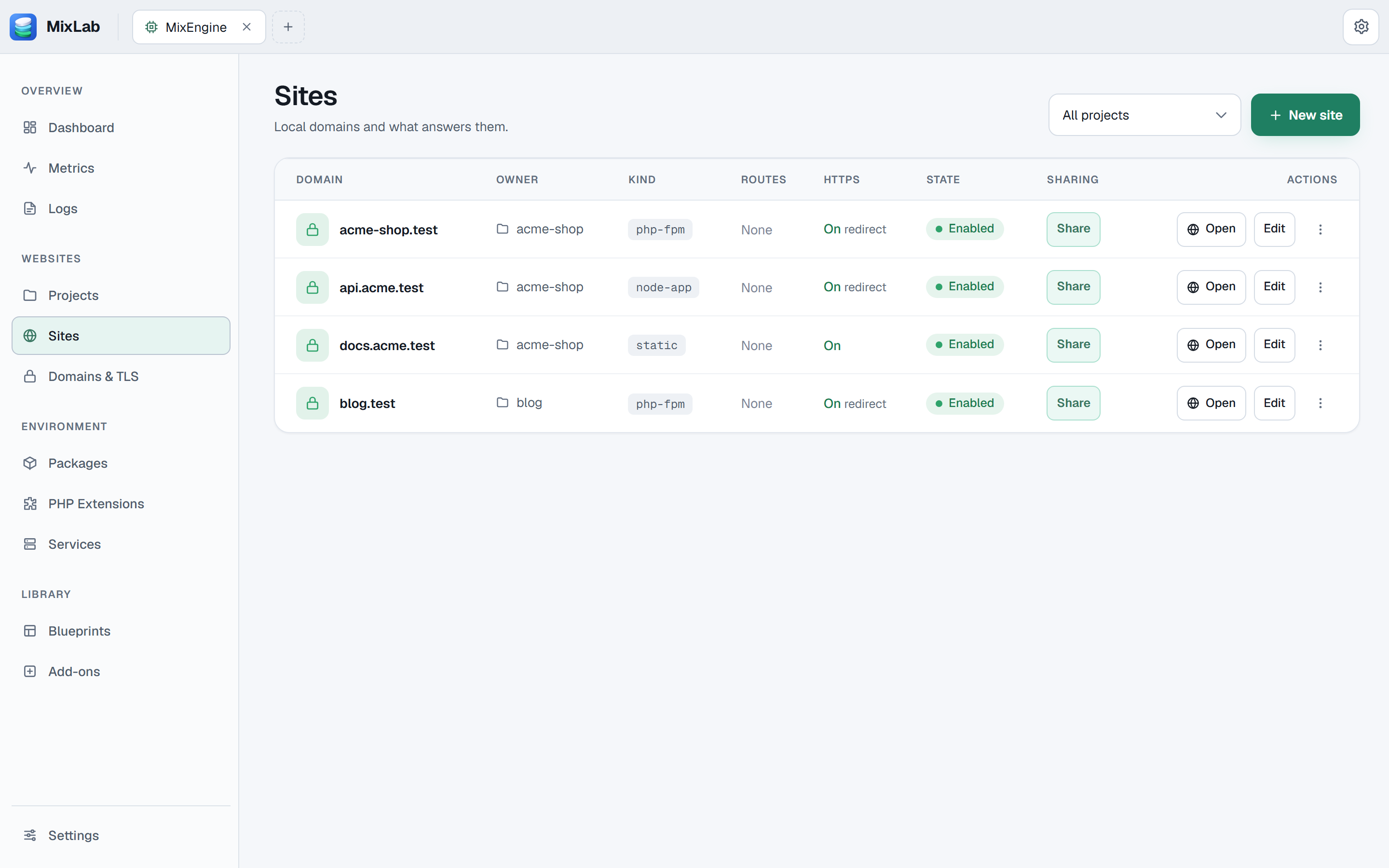
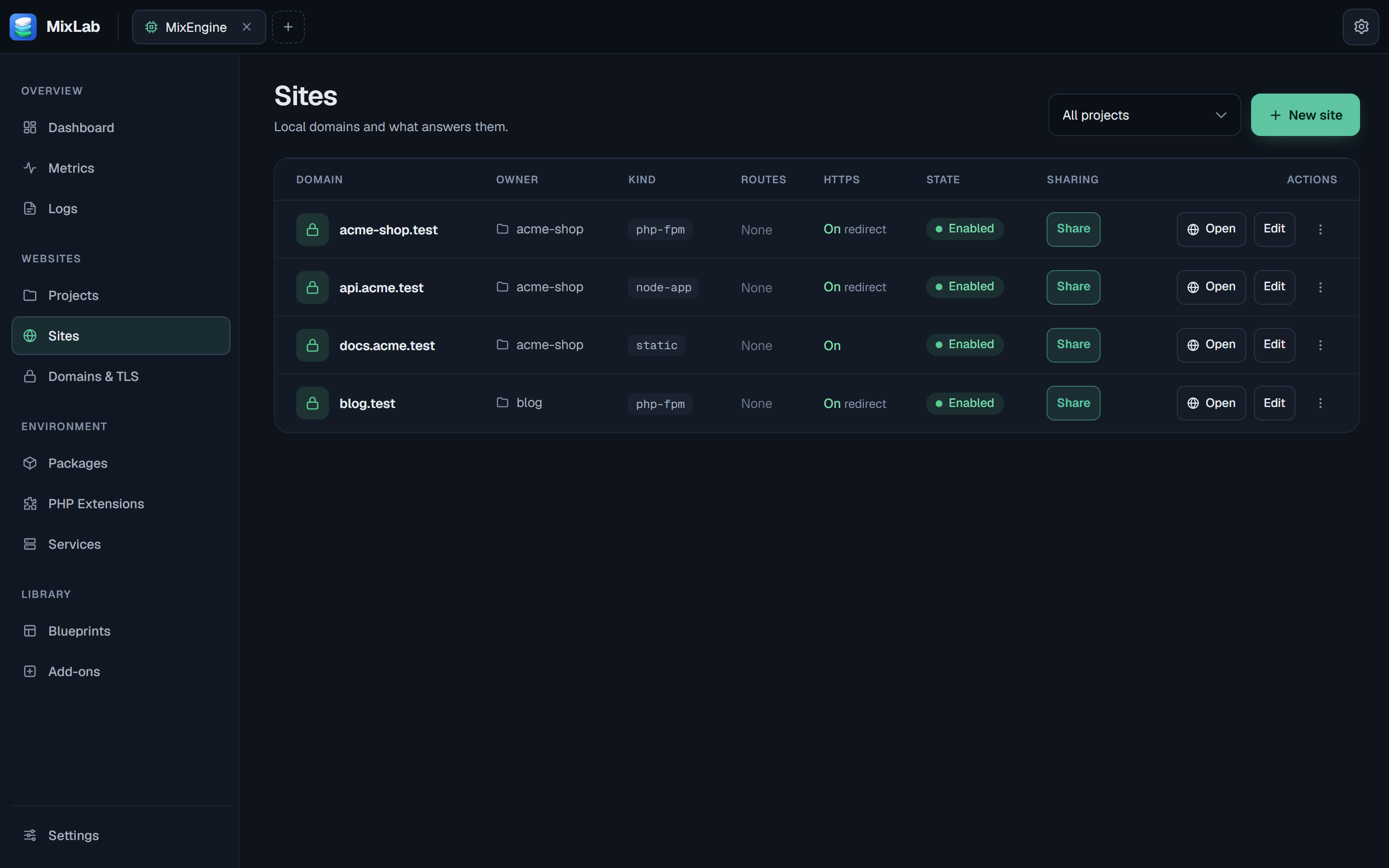
Sites and runtimes
Every local domain in one table: which project it belongs to, what serves it (PHP-FPM, a Node app, static files) and whether HTTPS is on. Anything the mix command can do, you can click through here instead.
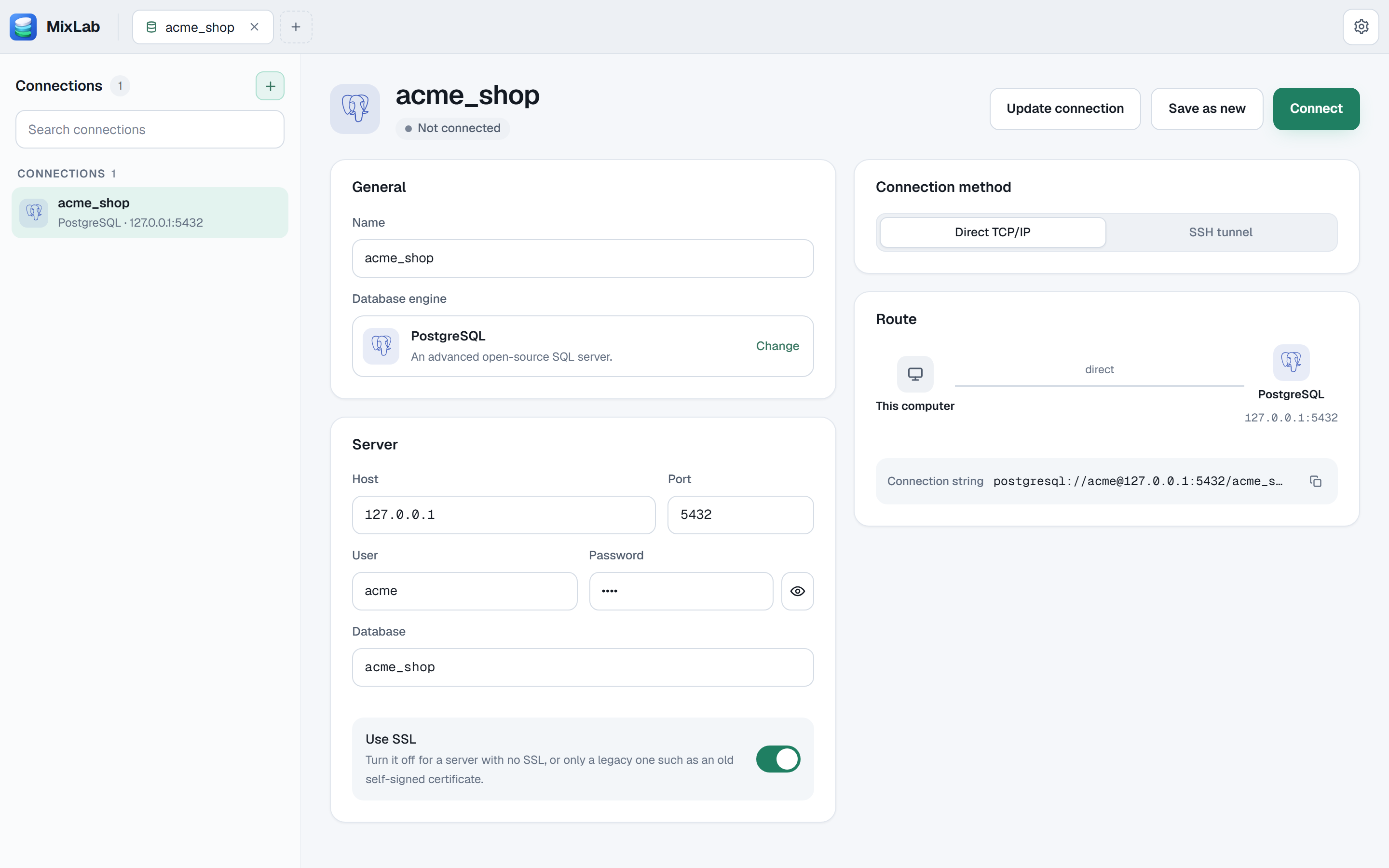
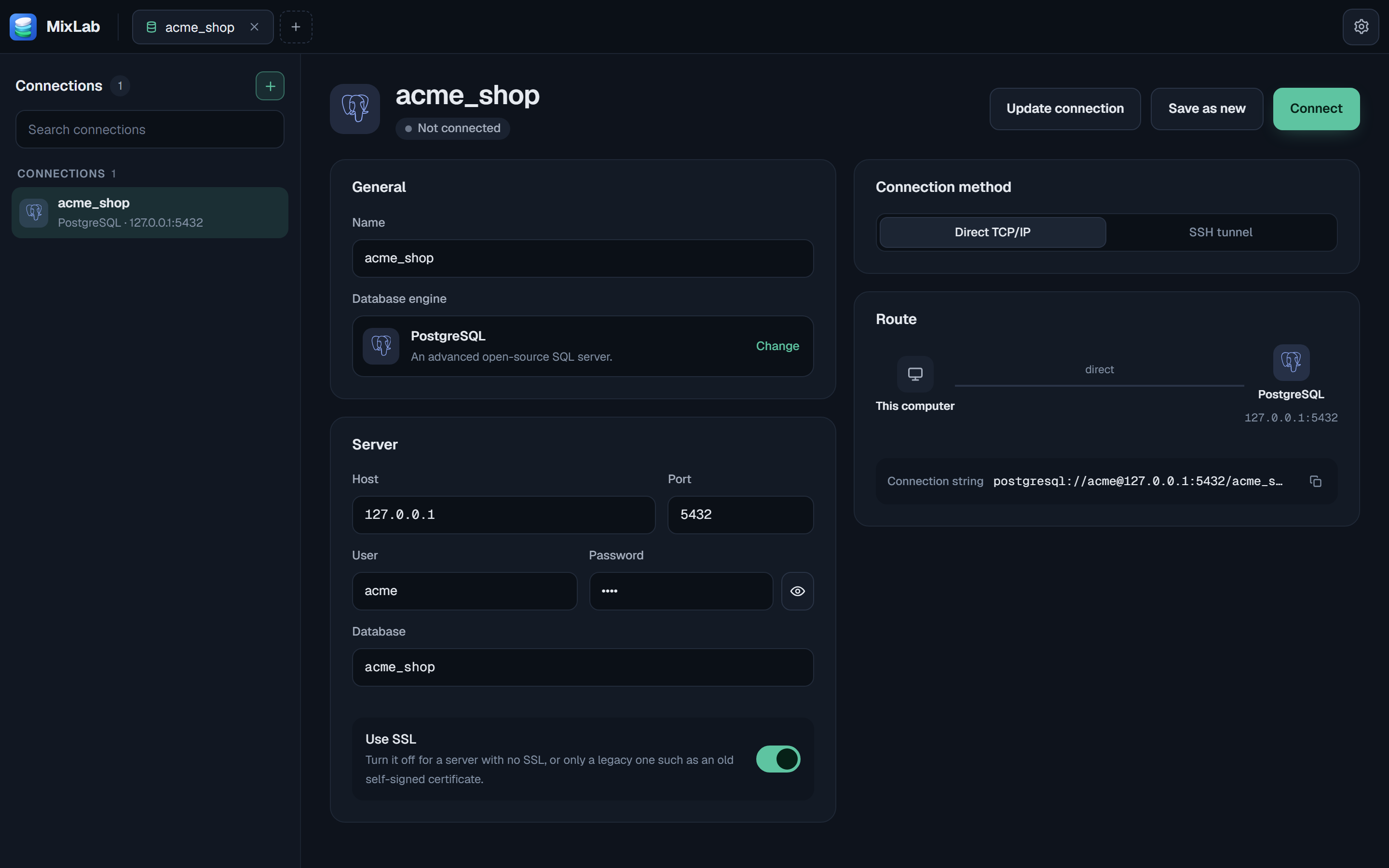
Database
MySQL, PostgreSQL, MongoDB and Redis. Browse and edit rows, write SQL with table and column completion, dump and restore, and follow a foreign key with one click.
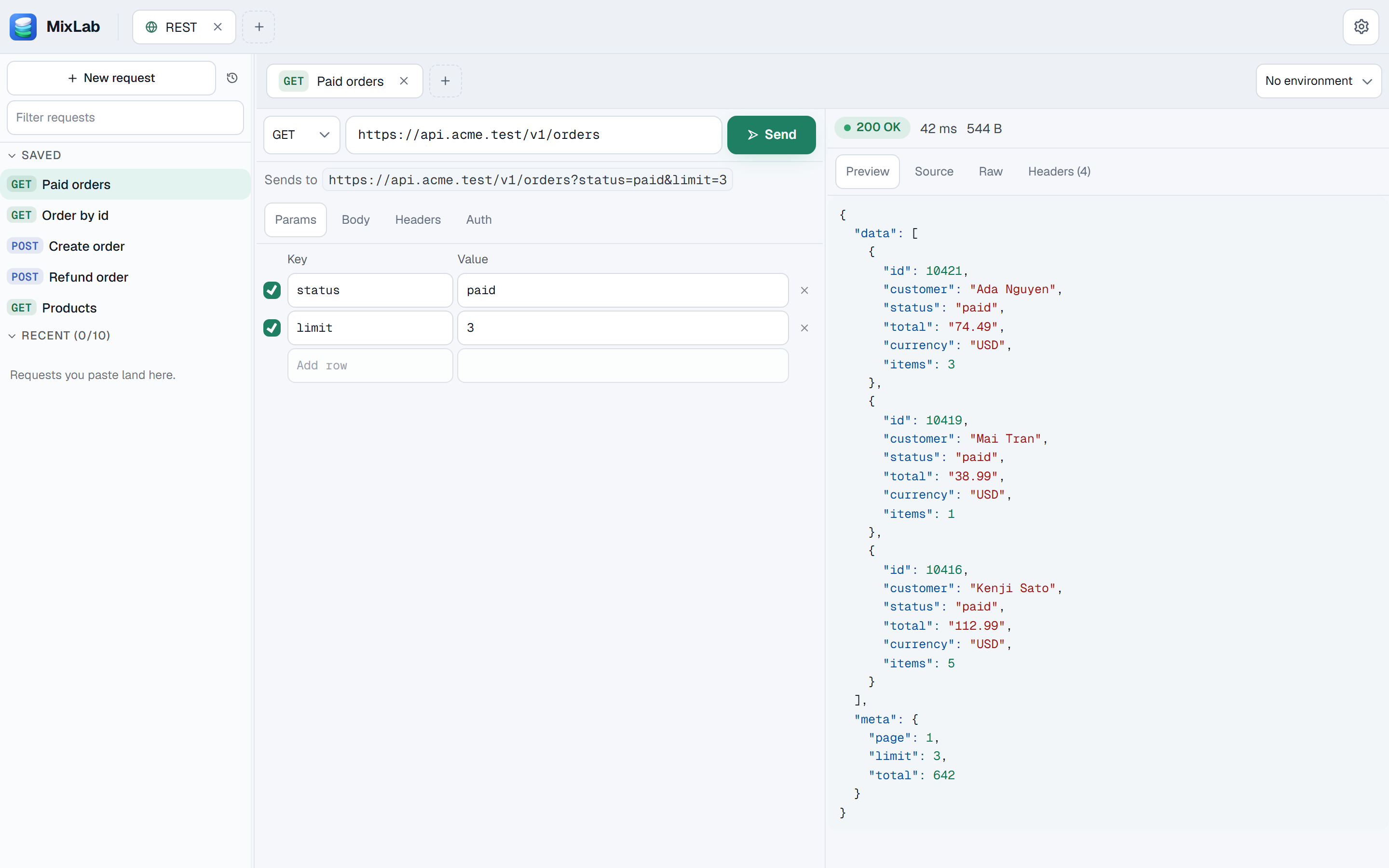
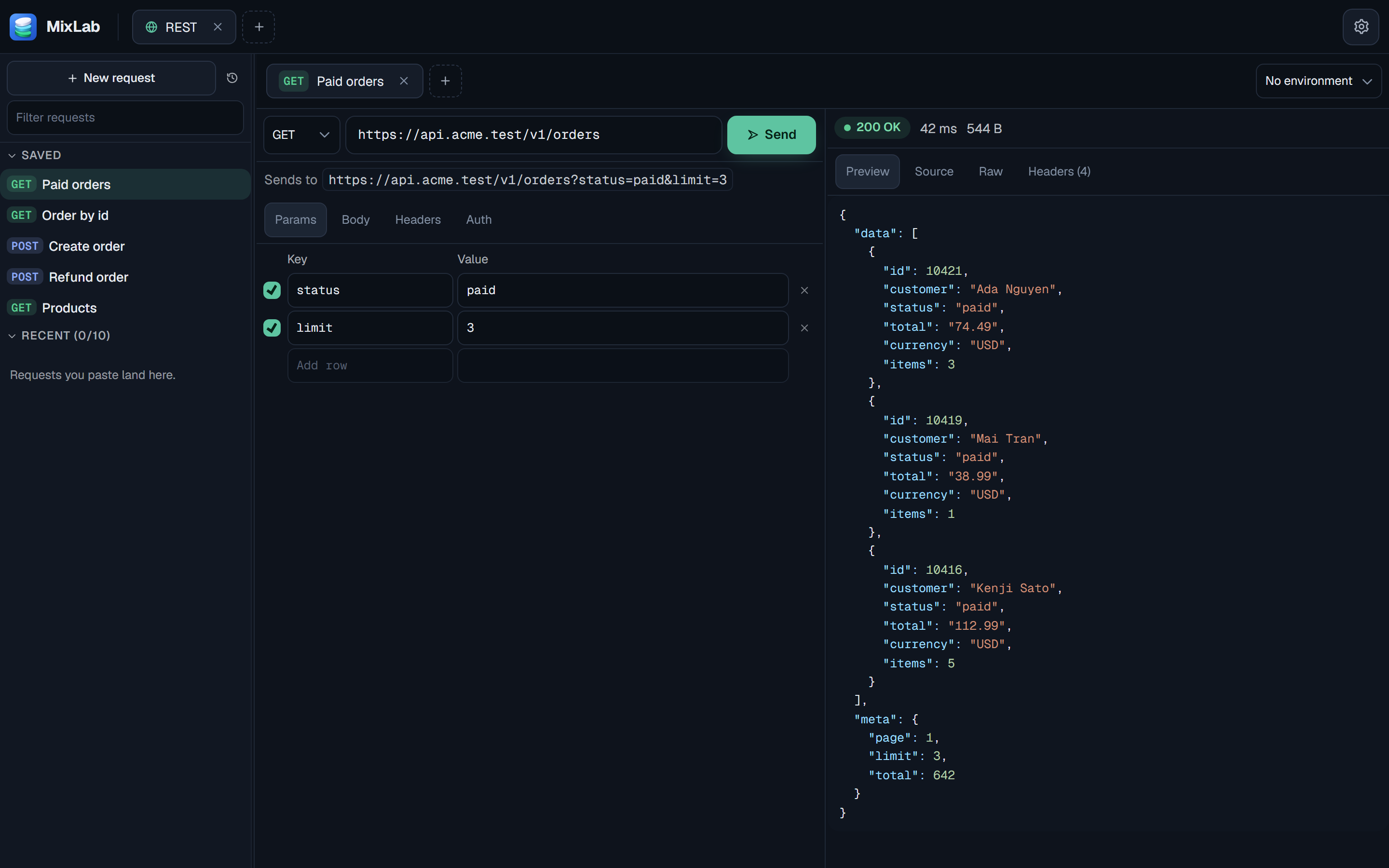
REST
Build requests by hand, or paste a cURL command and it gets filled in for you. Environment variables work too, and secrets stay in your OS keychain.
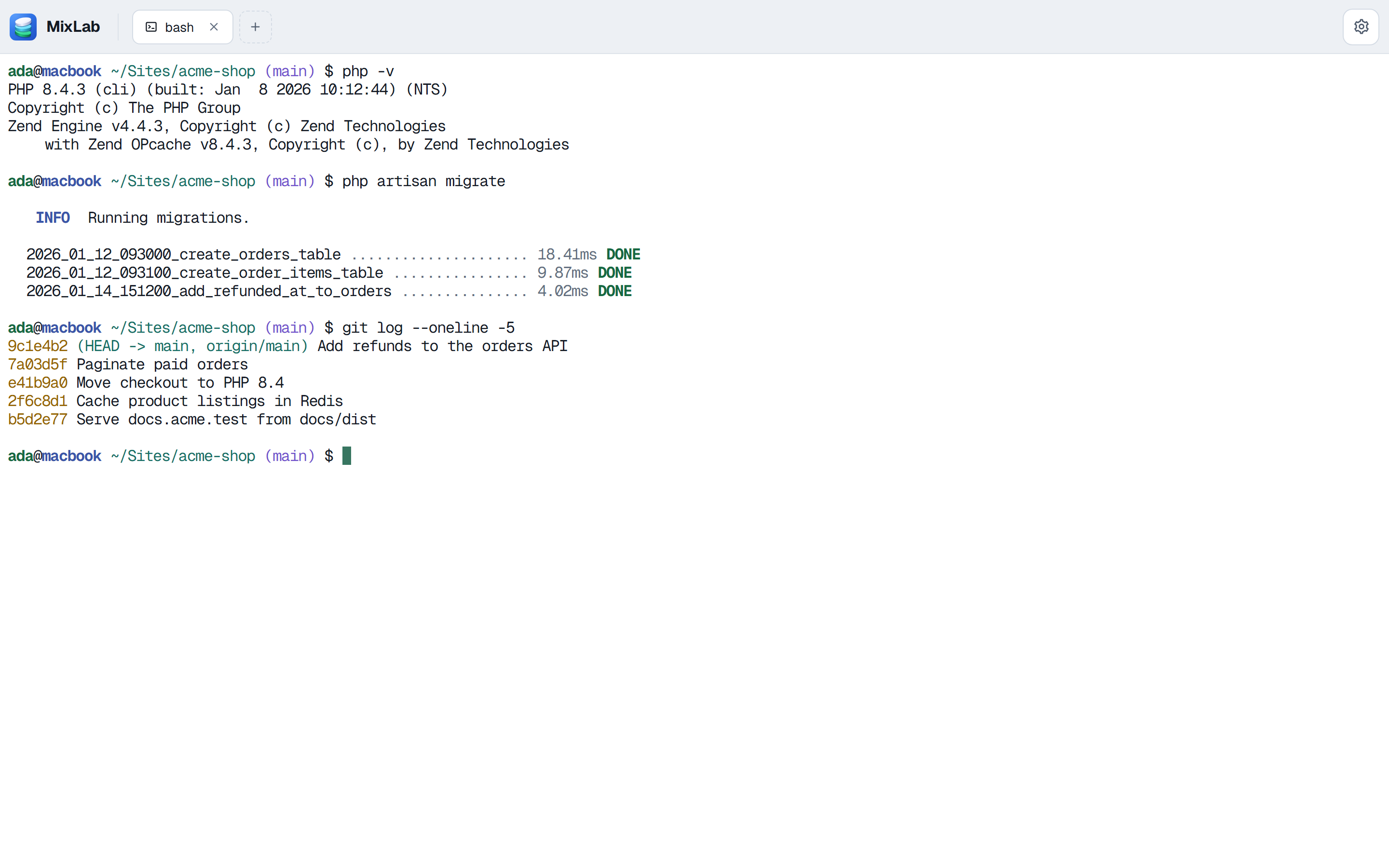
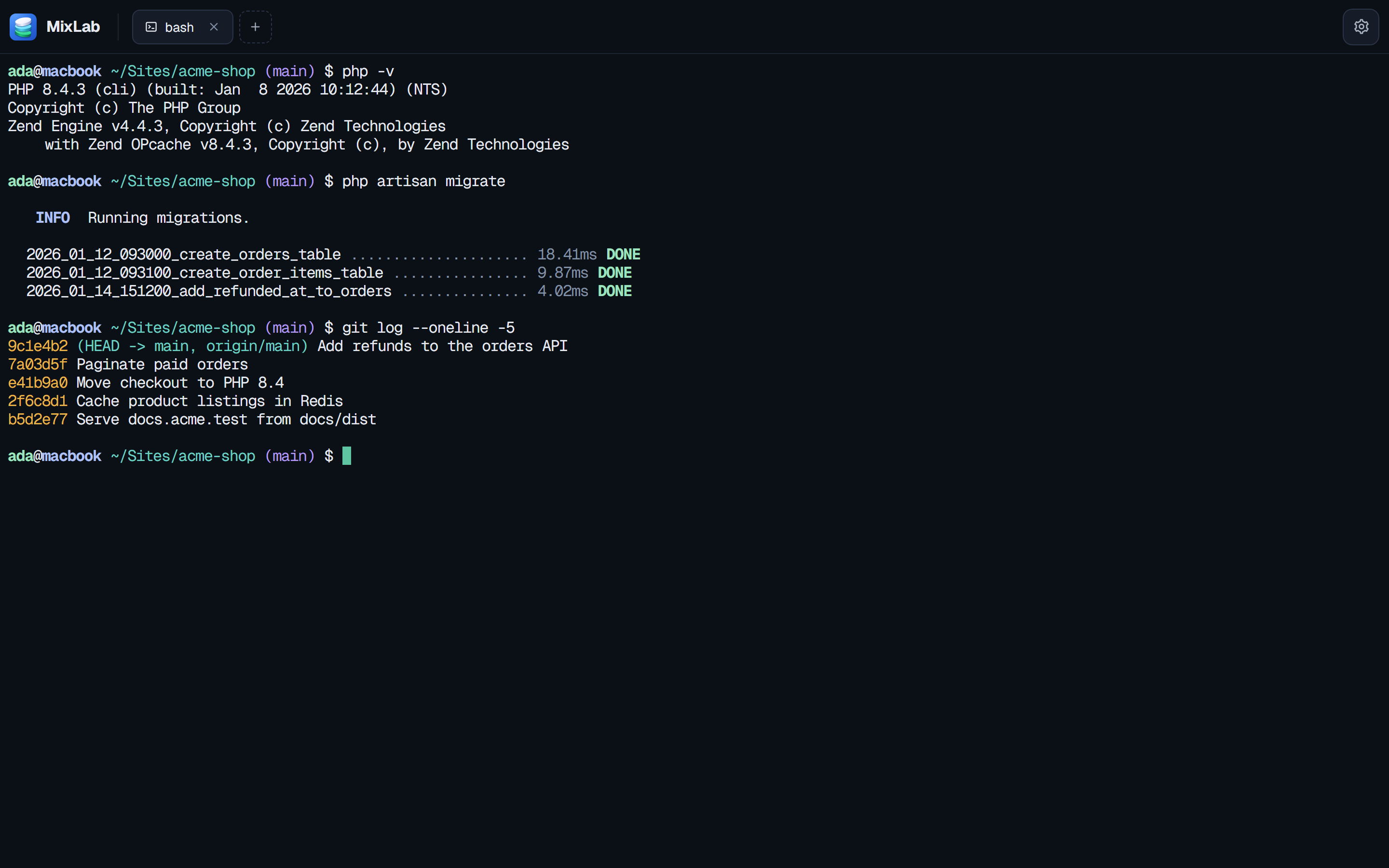
Terminal
Local shells and SSH sessions. If the network drops, tunnels reconnect by themselves.
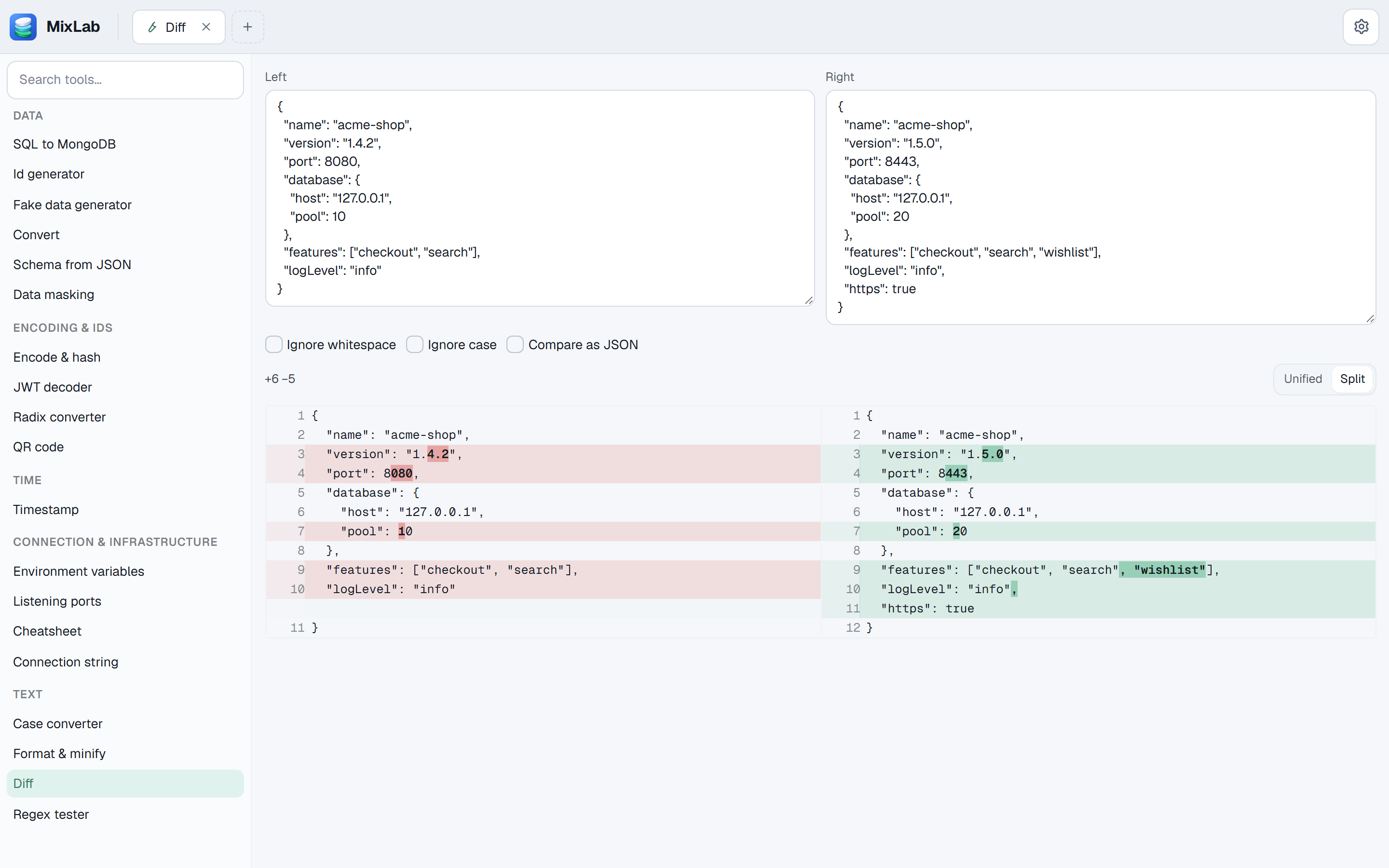
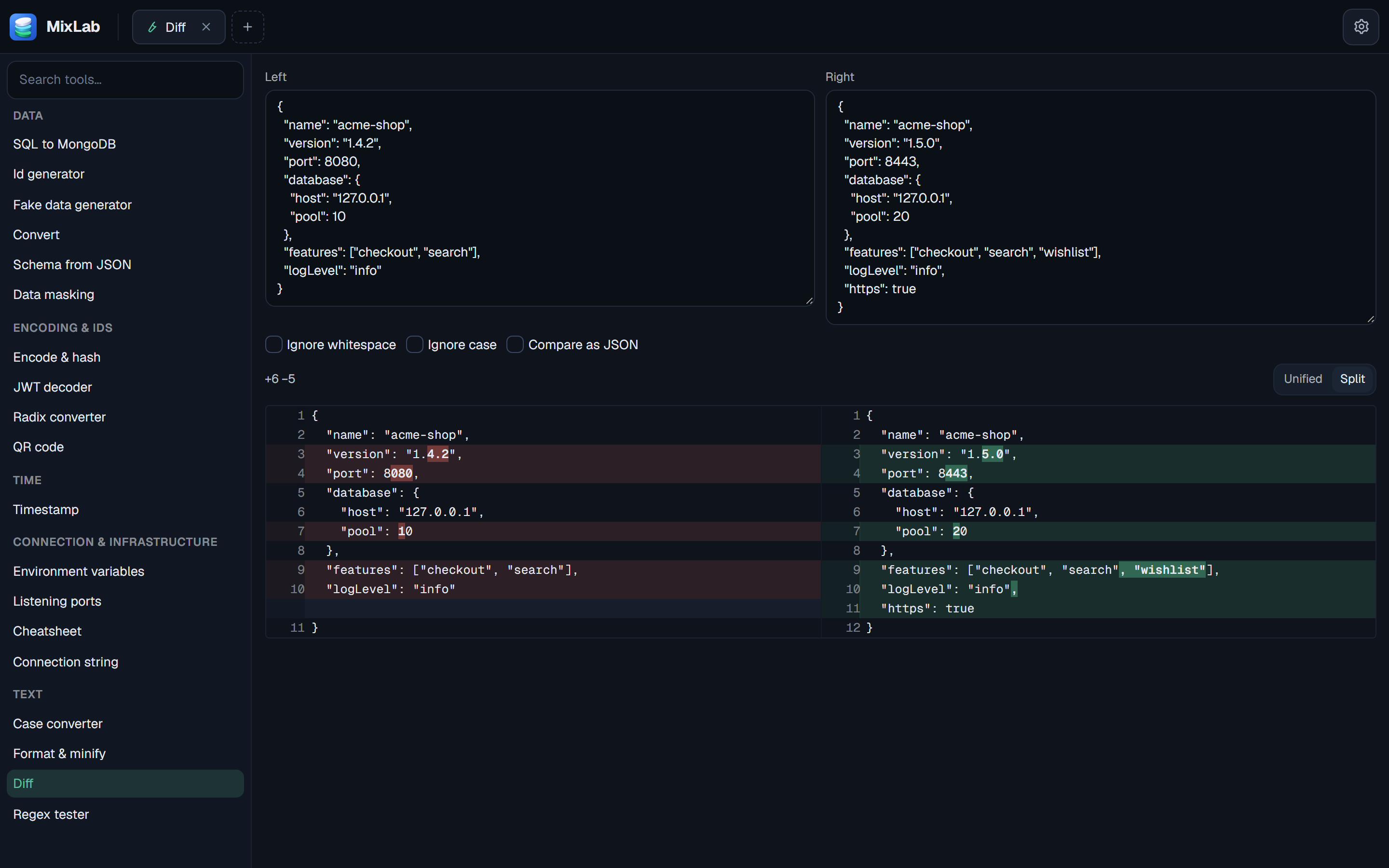
Tools
Small utilities for the things you'd usually go looking for online: JSON, YAML and CSV conversion, JWT decoding, hashing, regex testing, diffs, formatting and minifying.
UNDER THE HOOD
MixEngine runs the sites. MixLab is the window onto it.
MixEngine comes with MixLab, so there's nothing extra to install. If you'd rather stay in the terminal, install the CLI by itself. It doesn't need the app.
Pin a version, the shell follows
Pin PHP 8.1 for legacy in MixLab. Inside that folder, php runs 8.1. Everywhere else it's still the default, 8.4.
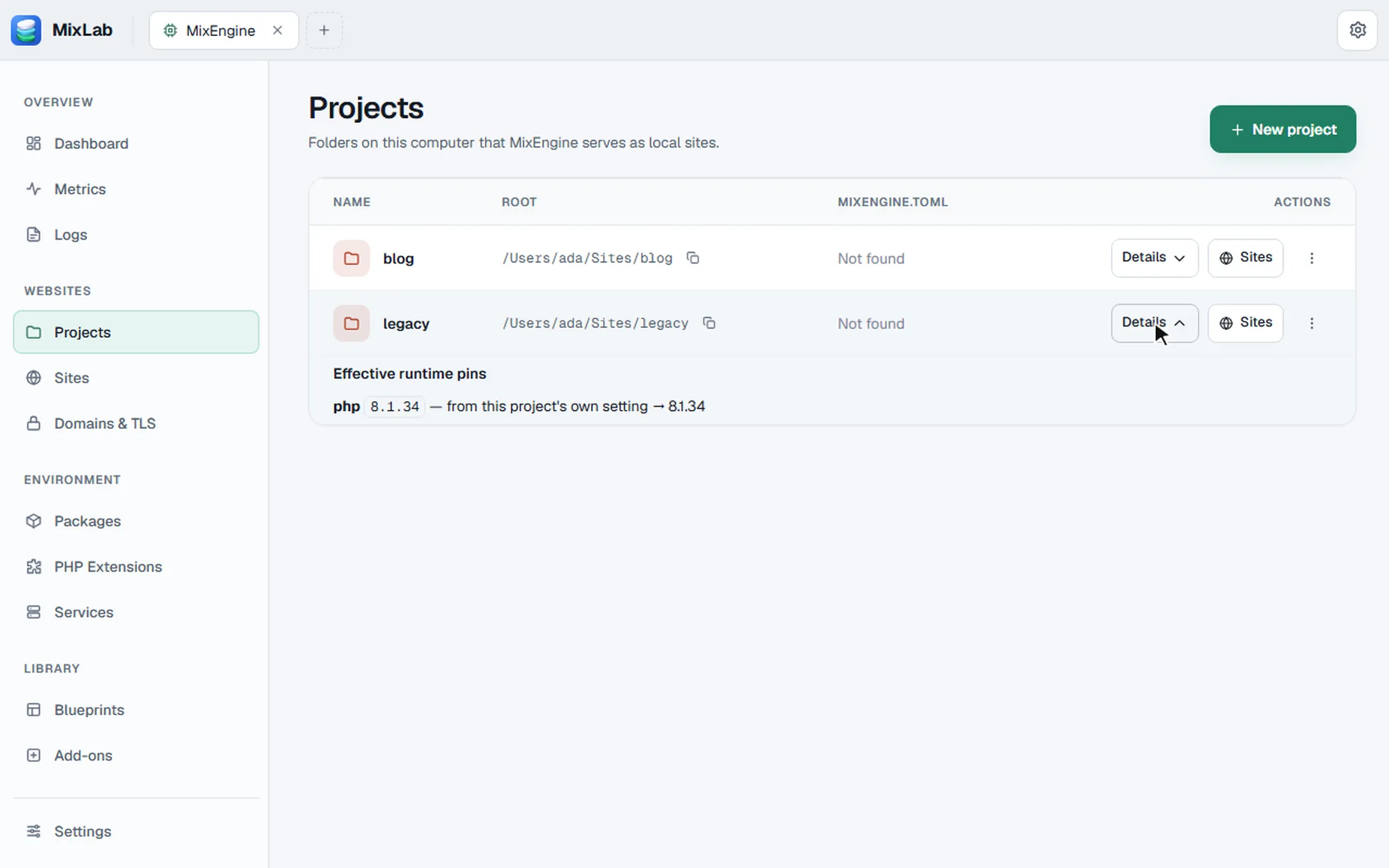
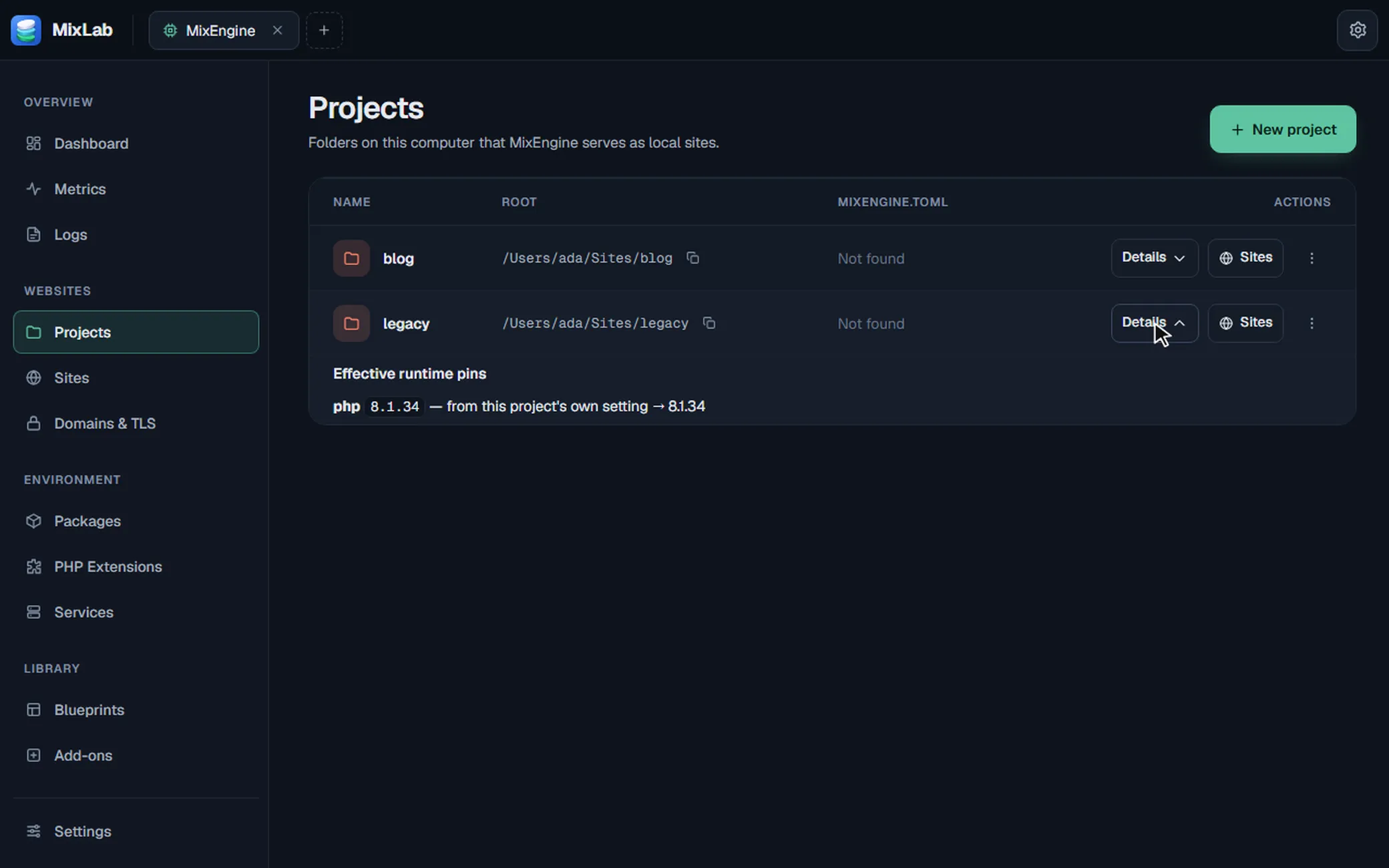
In ~/Sites, php -v prints 8.4.26. In ~/Sites/legacy it prints 8.1.34. In ~/Sites/blog it prints 8.4.26 again.
$ mix status$ mix runtime install php 8.3.33$ mix site create --domain blog.test --kind php-fpm --https true$ mix cert statusWindows, macOS and Linux. Same commands, same docs.
Just the CLI, in one command
macOS and Linux, in a terminal
curl -fsSL https://mixnz.github.io/mixlab/install.sh | sh -s -- --headlessWindows, in PowerShell
& ([scriptblock]::Create((irm https://mixnz.github.io/mixlab/install.ps1))) -Headless-
Real domains, trusted certificates
Every site gets its own hostname, like blog.test, with an HTTPS certificate your browser already trusts. No warnings to click through.
-
One version per project
Keep the old PHP for the legacy app and the newest one for the new app, side by side. Same for Node, Python and Ruby.
-
Root only when needed
One daemon (mixengined) and one command (mix). Admin rights are asked for once, for the few steps that need them, and dropped right after.
-
Readable by AI agents
The handbook is plain Markdown with an llms.txt index, and every mix command takes --json.
-
Native on every OS
Services run as ordinary processes on your machine, so file watching, debuggers and profilers work the way they always did.
DOWNLOAD
Get MixLab. MixEngine comes bundled.
One command, or an installer for Windows, macOS and Linux.
Install with one command
macOS and Linux, in a terminal
curl -fsSL https://mixnz.github.io/mixlab/install.sh | shWindows, in PowerShell
irm https://mixnz.github.io/mixlab/install.ps1 | iexIt picks the installer for your system, checks its signature, then runs it. Add --headless (-Headless on Windows) to get the CLI without the app. Read it first: install.sh, install.ps1. More in the install guide.
Only need the CLI? Install MixEngine
Cloud Sync needs an account and works with the default server. Rather run your own? See the self-hosting guide.
License: MIT or Apache-2.0 · · Changelog